
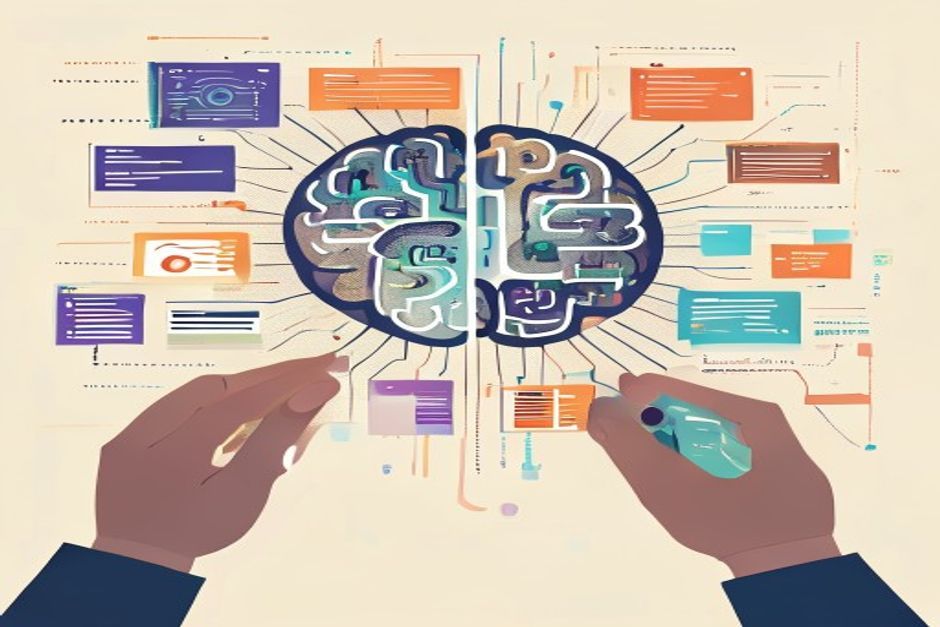
The Promise of AI for Design Systems
Building and maintaining a design system is a lot of work. You define tokens, create components, write documentation, and ensure consistency across an entire product. The component part, especially, can be repetitive: turning a design spec into actual, reusable code. This is where AI-powered tools are starting to get attention, promising to automate the generation of UI components.
The core idea is pretty compelling. Imagine feeding a design (a sketch, a Figma file, even a natural language prompt) into a system, and it spits out production-ready React, Vue, or web components. It sounds like a massive productivity boost, especially for large teams trying to keep many applications aligned with a central design system. Less manual coding, fewer discrepancies, faster iteration.
How It's Supposed to Work
Right now, there are a few approaches to how AI might generate UI components:
- Image-to-Code: You upload a static image (a screenshot, a hand-drawn sketch, a Figma export), and the AI tries to interpret the visual elements and convert them into code. It identifies buttons, text fields, layouts, and attempts to reconstruct the UI programmatically.
- Natural Language to UI: Describe the component you want in plain English: "A primary button with a 'Submit' label and a loading spinner when clicked." The AI then generates the corresponding markup and basic styling.
- Pattern Recognition and Extrapolation: Given a set of existing components and design tokens within a system, the AI might learn the patterns and generate new components that adhere to those styles and structures. This is more about extending an existing system than creating from scratch.
The goal is to bridge the gap between design and development by reducing the manual translation step. This is the part people often skip when talking about the future of design systems.
The Annoying Part: Semantic Understanding and Control
That sounds great on paper. The annoying part is that generating pixel-perfect UI is only half the battle. A truly useful UI component isn't just a collection of divs and spans; it has semantic meaning, accessibility considerations, and expected behaviors. This is where things get tricky for AI.
An AI can generate a button that looks like a button. But does it generate a <button> element? Does it include aria-label attributes for accessibility? Does it correctly handle focus states, keyboard navigation, and various interaction patterns? These details are critical for robust, accessible UIs, and they're hard for an AI to infer without explicit context or advanced semantic understanding.
Another challenge is control. Design systems are about strict control and consistency. If an AI generates components that deviate even slightly from established patterns, it defeats the purpose. Customization is also key. Developers often need to tweak generated code, and if the AI output is overly complex, opinionated, or difficult to read, it can become a maintenance burden rather than a time-saver.
Tradeoffs and Real-World Use Cases
I wouldn't reach for this by default for core, complex components in a mature design system. The overhead of reviewing, correcting, and ensuring the AI output meets all the necessary standards might outweigh the initial generation speed. On paper, this should reduce overhead, but production workloads are rarely that simple.
However, I can see some practical applications where AI-powered component generation could be genuinely useful:
- Rapid Prototyping: For quickly spinning up mockups or initial concepts, where perfect semantic markup isn't the immediate concern. Get something visual on screen fast to test ideas.
- Scaffolding Simple Components: For very basic components like input fields, simple buttons, or cards that follow extremely well-defined patterns. An AI could provide a starting point that still needs human refinement.
- Design System Adoption: Helping new teams or projects quickly onboard to an existing design system by generating a base set of components from their design files, reducing the initial friction.
The actual difference depends on the workload and the maturity of the design system. For now, AI in this space feels more like a powerful assistant for developers and designers rather than a full replacement. It can accelerate certain parts of the workflow, but the human touch is still essential for ensuring quality, accessibility, and maintainability.
Looking Ahead
The tools will get better, no doubt. As AI models improve their understanding of design intent, user experience principles, and semantic code structures, the quality of generated components will increase. We might see more intelligent systems that can adapt to specific design system rules, learn from human corrections, and even suggest improvements for accessibility or performance.
For now, it's a fascinating area to watch. The promise of automating the repetitive parts of UI development is strong, but the complexity of building truly robust and accessible user interfaces means that AI-generated components will likely remain a starting point, requiring careful human oversight for the foreseeable future.






Comments (0)
No comments yet. Be the first to leave a comment!
Verify Your Comment
We sent a 6-digit OTP code to . Please enter the code below to publish your comment.