
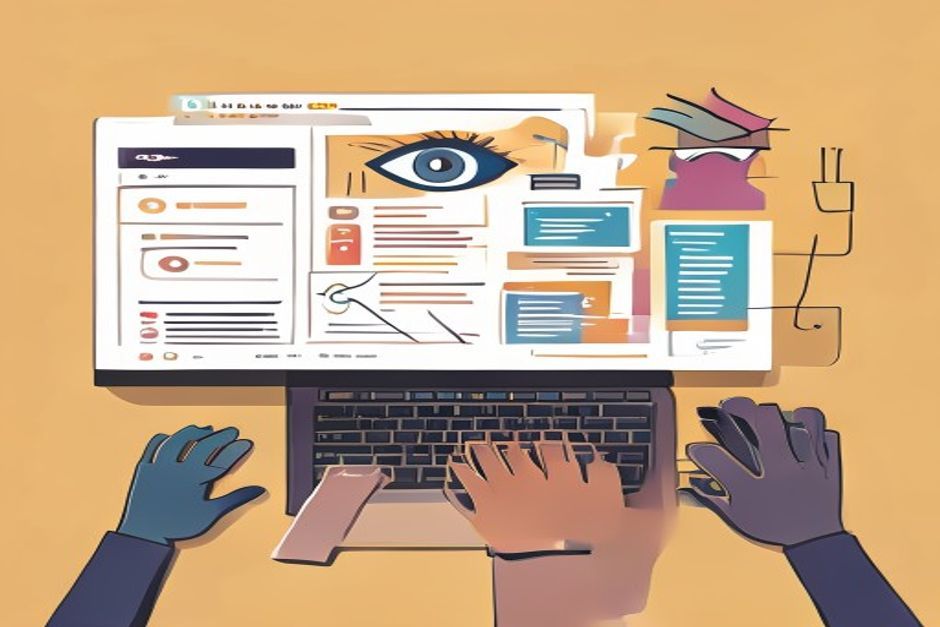
Visual AI on the web: More than just cat pictures
When most people hear "Visual AI" and "web development" in the same sentence, they usually think of image recognition. You know, training a model to tell a dog from a cat, or maybe identifying objects in a photo. And yeah, that's cool, it’s a big part of it. But honestly, that’s just the tip of the iceberg. I've been diving deep into this space lately, and what I’m finding is that visual AI is evolving into something far more powerful and, frankly, a lot more interesting for us web developers.
We're moving past just classifying what's in an image. Now, we're talking about AI that understands the context of an image, generates new visual content, or even interacts with the user interface itself. It's a wild ride, and if you're not paying attention, you're gonna miss out.
Understanding the screen, not just the pixels
One of the coolest areas I've been exploring is how AI can 'understand' a webpage beyond its raw HTML. Think about it: a human looks at a webpage and immediately grasps its structure, what’s clickable, what’s important. Traditional web scraping is brittle; it breaks when a class name changes. But what if AI could visually parse a page, like a human?
I’ve seen some incredible demos where models can identify UI elements like buttons, input fields, and navigation menus just by looking at a screenshot. This isn't just about accessibility (though that's a huge win). This opens doors for:
- Automated UI testing: Imagine an AI that can navigate your app, fill forms, and verify layouts visually, not just by DOM selectors.
- Smart content extraction: Pulling out specific data points from complex, visually diverse pages without needing custom selectors for each site.
- Personalized user experiences: AI understanding what a user is looking at or struggling with on a page to offer real-time help.
It's like giving your web app a pair of eyes and a brain. The implications for QA, data aggregation, and even user experience are massive. I'm talking about tools that can literally describe what's happening on your screen. Here's a snippet of how a hypothetical visual AI might "see" a button:
const screenAnalysis = ai.analyzeScreen(currentScreenshot);
const buttonElement = screenAnalysis.findUIElement("Add to Cart Button");
console.log(buttonElement.position);
console.log(buttonElement.isClickable);
This isn't sci-fi anymore; libraries and services are popping up to make this a reality.
Generating UI from natural language
Another area that blew my mind is AI generating UI components or even entire layouts from a simple text prompt. You type, "Create a login form with a dark theme and a 'Forgot Password' link," and BAM, you get HTML, CSS, and even some basic JavaScript.
I used to think this was pure fantasy, but large language models (LLMs) combined with visual transformers are getting scarily good at this. It's not perfect yet, but it's a phenomenal starting point for designers and developers. Forget boilerplate; think rapid prototyping on steroids.
Imagine a future where you don't just generate component code, but you iterate on design visually with AI. "Make the button rounder, change the primary color to a softer blue." The AI understands these abstract design instructions and translates them into code. This is where the lines between design and development really start to blur. It’s like having a super-fast, endlessly patient junior designer sitting next to you.
// Hypothetical prompt to a UI-generating AI
const prompt = "A responsive hero section with a dynamic background image, a bold headline, a call-to-action button, and a subtle parallax effect.";
const generatedCode = ai.generateUI(prompt);
console.log(generatedCode.html);
console.log(generatedCode.css);
This isn't about replacing us; it's about making us incredibly more efficient. I'm excited to see how this evolves, especially for those repetitive UI tasks.
Accessibility and inclusive design through AI vision
This is a big one for me. Making the web accessible is crucial, but it's often an afterthought or a complex task. Visual AI can be a game-changer here.
Consider AI that can:
- Automatically generate alt text: No more generic "image." AI can describe complex scenes accurately.
- Identify low contrast issues: Visually scan your UI for text and background combinations that are hard to read for people with visual impairments.
- Suggest semantic HTML improvements: AI can analyze the visual layout and suggest appropriate semantic tags that improve screen reader navigation.
- Predict user interaction issues: Highlight areas that might be confusing or difficult to interact with for users with motor impairments.
This moves accessibility from a checklist item to an integrated, intelligent part of the development process. I've been experimenting with some tools that use computer vision to analyze screenshots of my web apps and flag potential accessibility violations. It's not perfect, but it catches a lot of things I might miss.
"Visual AI isn't just about seeing; it's about understanding and responding to the visual world in a way that empowers users and developers alike."
Real-time user behavior analysis
Beyond the UI itself, visual AI can observe how users interact with your web application. Think about heatmaps generated in real-time, not just from clicks, but from where a user's gaze might be directed (if you're using eye-tracking tech, which is becoming more common) or even patterns of mouse movement that indicate confusion.
This kind of visual analytics provides a deeper insight into user engagement than traditional event tracking. It helps answer questions like:
- Are users actually seeing that important call-to-action?
- Where are they getting stuck visually on a complex form?
- Which parts of a new design are drawing the most attention?
I'm not talking about creepy surveillance, but about aggregated, anonymized data that helps you optimize your UI for better usability. Tools that analyze session recordings using visual AI to detect patterns of struggle are already out there, helping product teams pinpoint friction points faster than ever.
The road ahead
The journey with visual AI in web development is just beginning. We're moving from simple object detection to complex scene understanding, UI generation, and empathetic user experience. The tooling is still maturing, and there are ethical considerations, of course, around data privacy and bias in models.
But as developers, we have an incredible opportunity here. Learning the basics of how these models work, understanding their capabilities and limitations, is going to be crucial. Whether it's integrating an off-the-shelf API or dabbling with a front-end ML library like TensorFlow.js, getting hands-on is the best way to prepare.
I believe that within a few years, visual AI capabilities will be as fundamental to web development as responsive design is today. It's not just a cool feature; it's a foundational shift in how we build and interact with the web. Keep your eyes open, and start experimenting!






Comments (0)
No comments yet. Be the first to leave a comment!
Verify Your Comment
We sent a 6-digit OTP code to . Please enter the code below to publish your comment.