
Why Accessibility Matters
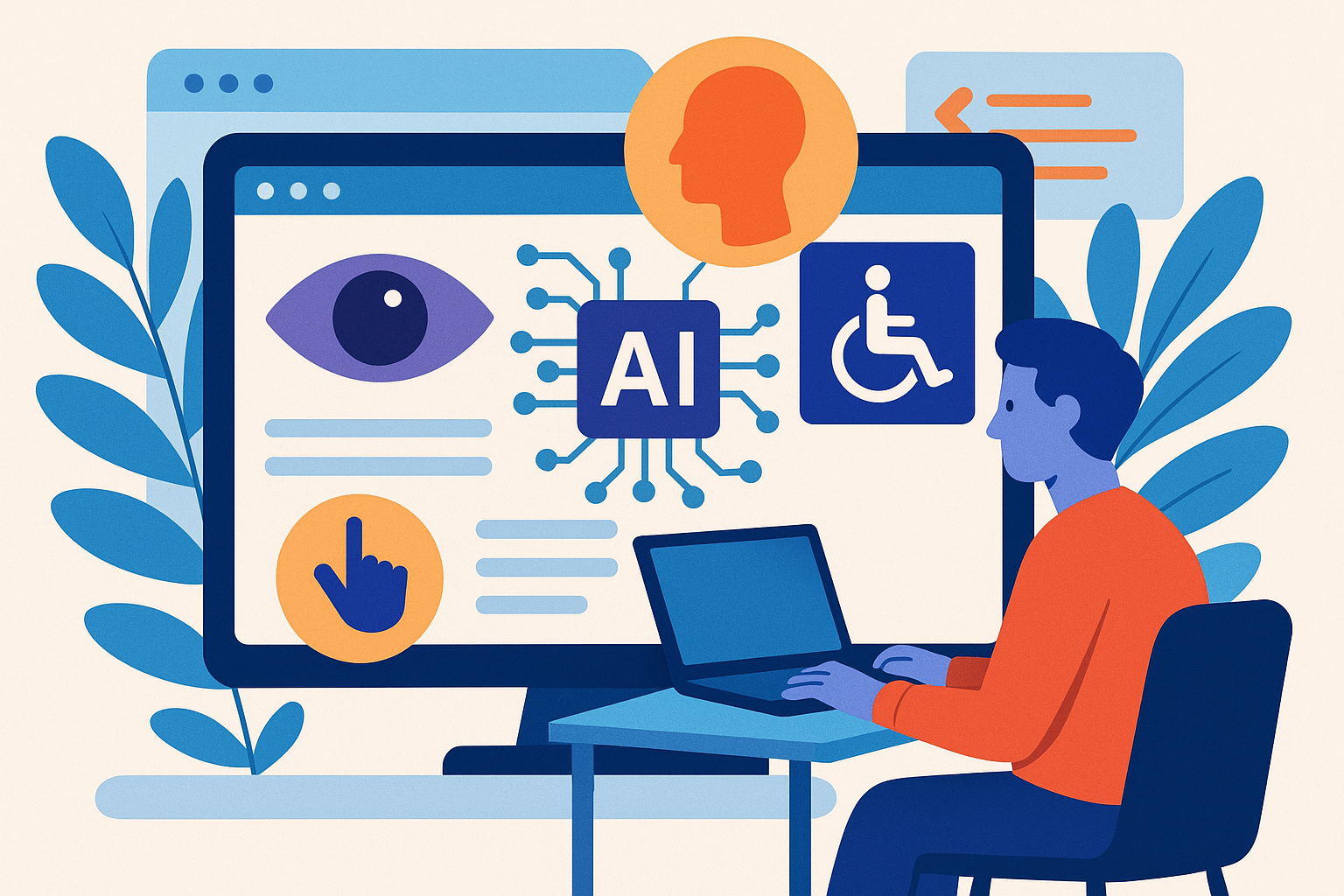
Accessibility is about making your website usable for everyone. This includes people with disabilities, older users, and those using different devices. When we design with accessibility in mind, we create a better experience for all users.
What is AI-Driven Accessibility?
AI-driven accessibility uses artificial intelligence to help improve how users interact with websites. It can analyze content and suggest changes to make it easier to access. Think of it as a smart assistant that helps you design a more inclusive site.
How AI Can Help
Here are some ways AI can enhance accessibility:
- Automated Image Descriptions: AI can generate alt text for images. This helps visually impaired users understand what’s on the page.
- Text Simplification: AI tools can help simplify complex text. This is great for users with cognitive disabilities.
- Voice Recognition: AI can turn spoken words into text. This helps users who can’t use a keyboard or mouse.
- Real-Time Feedback: AI can analyze your site and provide instant feedback on accessibility issues.
Automated Image Descriptions
Images are a big part of web design, but they can be tough for people with visual impairments. AI can help by generating alt text automatically. For example, if you have a picture of a sunset, AI might suggest, "A beautiful sunset over the ocean." This makes your content more accessible.
Text Simplification
Not everyone understands complex language easily. AI tools like Readability Score can analyze your text and suggest simpler versions. This helps everyone, especially those with learning disabilities.
Voice Recognition
Voice recognition technology has come a long way. Tools like Google Assistant or Siri can help users navigate your site using voice commands. This is a game-changer for those who can’t use traditional input methods.
Real-Time Feedback
Imagine building a site and getting instant feedback on accessibility issues. Tools like WAVE can scan your website and highlight areas that need improvement. This helps you fix problems before your site goes live.
Integrating AI Tools into Your Workflow
Now that we know how AI can help, let’s talk about how to integrate these tools into your web development workflow.
1. Choose the Right Tools
There are several AI tools available for accessibility. Some popular ones include:
- Microsoft Accessibility Insights: This tool helps you identify accessibility issues in your web apps.
- axe by Deque: It provides automated testing for accessibility and integrates well into your development environment.
- Google Cloud Vision: This tool can analyze images and generate descriptions automatically.
2. Set Up Automated Testing
Automate your accessibility testing by integrating these tools into your CI/CD pipeline. This way, every time you push new code, the tools can check for issues.
3. Train Your Team
Make sure your team knows how to use these tools. Hold workshops and share resources. The more knowledgeable everyone is, the better your site will be.
Real-World Examples
Let’s look at a couple of examples where AI-driven accessibility made a big impact.
Example 1: The BBC
The BBC uses AI to generate captions for their videos. This makes their content accessible to deaf and hard-of-hearing users. By automating this process, they save time and ensure accuracy.
Example 2: Shopify
Shopify employs AI to analyze store themes for accessibility. They provide recommendations to store owners, helping them create a better shopping experience for everyone.
Conclusion
AI-driven accessibility is a powerful tool in modern web development. It helps us create websites that everyone can use. By integrating these tools into your workflow, you're not just improving your site; you're making the web a better place for all users.
Next Steps
Start exploring AI tools today. Assess your current projects and think about how you can make them more accessible. Your users will thank you!






Comments (0)
No comments yet. Be the first to leave a comment!
Verify Your Comment
We sent a 6-digit OTP code to . Please enter the code below to publish your comment.