
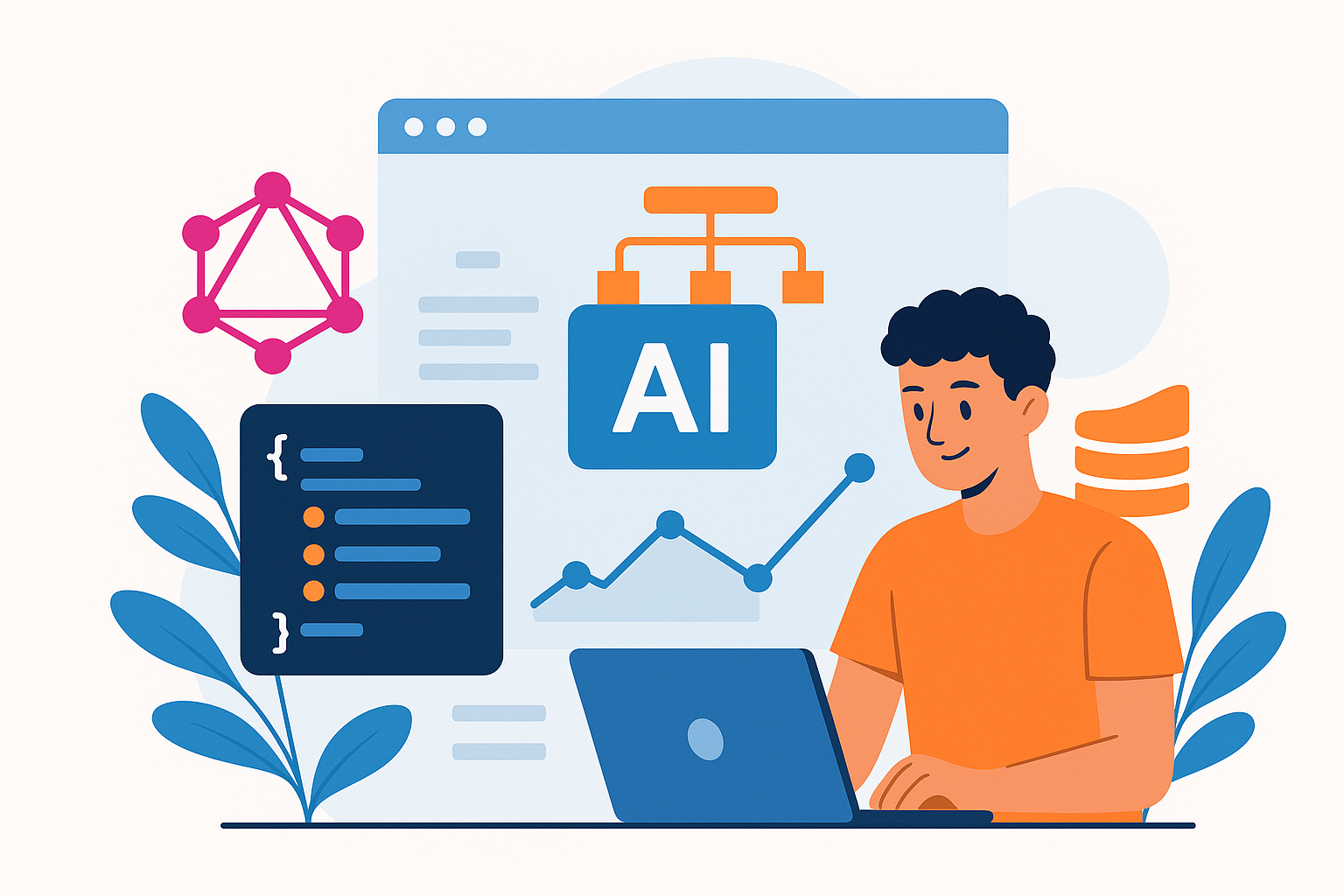
What is GraphQL?
GraphQL is a query language for APIs. It lets you ask for exactly what you need. This is different from REST, where you often get too much or too little data.
With GraphQL, you can structure your requests. You can get multiple resources in a single call. This makes your app faster and more efficient.
Why Use AI?
Artificial Intelligence (AI) can analyze data and make smart decisions. It learns from patterns and improves over time. By combining AI with GraphQL, you can create dynamic apps that respond to user behavior.
Benefits of Using GraphQL and AI Together
- Efficiency: Fetch only the data you need.
- Flexibility: Change your queries without altering your API.
- Smart Features: Use AI to offer personalized experiences.
- Real-Time Updates: Get immediate responses as data changes.
Setting Up Your Environment
Let’s build a simple app using GraphQL and AI. For this example, we’ll use Node.js, Express, and Apollo Server. Make sure you have Node.js installed.
npm install express apollo-server graphqlCreating a Basic GraphQL Server
Here’s a simple setup:
const { ApolloServer, gql } = require('apollo-server');

const typeDefs = gql`
  type User {
    id: ID!
    name: String!
    age: Int
  }

  type Query {
    users: [User]
  }
`;

const resolvers = {
  Query: {
    users: () => [{ id: 1, name: 'Alice', age: 28 }, { id: 2, name: 'Bob', age: 32 }],
  },
};

const server = new ApolloServer({ typeDefs, resolvers });

server.listen().then(({ url }) => {
  console.log(`🚀 Server ready at ${url}`);
});
Integrating AI
Let’s now introduce AI to make our app smarter. We can use a simple library like TensorFlow.js to analyze user data.
Imagine you want to recommend content based on user behavior. First, collect user actions, like clicks or time spent on a page. Then, use that data to train a model.
Here’s a very basic example:
const tf = require('@tensorflow/tfjs');

// Dummy data for demonstration
const userActions = [[0, 1], [1, 0], [1, 1]]; // Example inputs
const labels = [[1], [0], [1]]; // Outputs

const model = tf.sequential();
model.add(tf.layers.dense({ units: 1, inputShape: [2] }));
model.compile({ loss: 'meanSquaredError', optimizer: 'sgd' });

(async () => {
  await model.fit(tf.tensor2d(userActions), tf.tensor2d(labels), { epochs: 10 });
  const output = model.predict(tf.tensor2d([[1, 1]]));
  output.print();
})();
Bringing It All Together
Now, let’s connect everything. When a user interacts with your app, log their actions. Use the AI model to analyze their behavior and respond accordingly.
For example, if they spend a lot of time on cooking recipes, your app could suggest related articles or videos. You can fetch these suggestions using a GraphQL query.
const GET_SUGGESTIONS = gql`
  query GetSuggestions($userId: ID!) {
    suggestions(userId: $userId) {
      title
      url
    }
  }
`;
Conclusion
Combining GraphQL with AI can transform your web applications. You can create smarter, more responsive apps that offer personalized experiences. Start small, experiment, and watch your web app grow!
Next Steps
Check out libraries for AI in JavaScript, or dive deeper into GraphQL features. The possibilities are endless!





Comments (0)
No comments yet. Be the first to leave a comment!
Verify Your Comment
We sent a 6-digit OTP code to . Please enter the code below to publish your comment.