
What is Serverless Architecture?
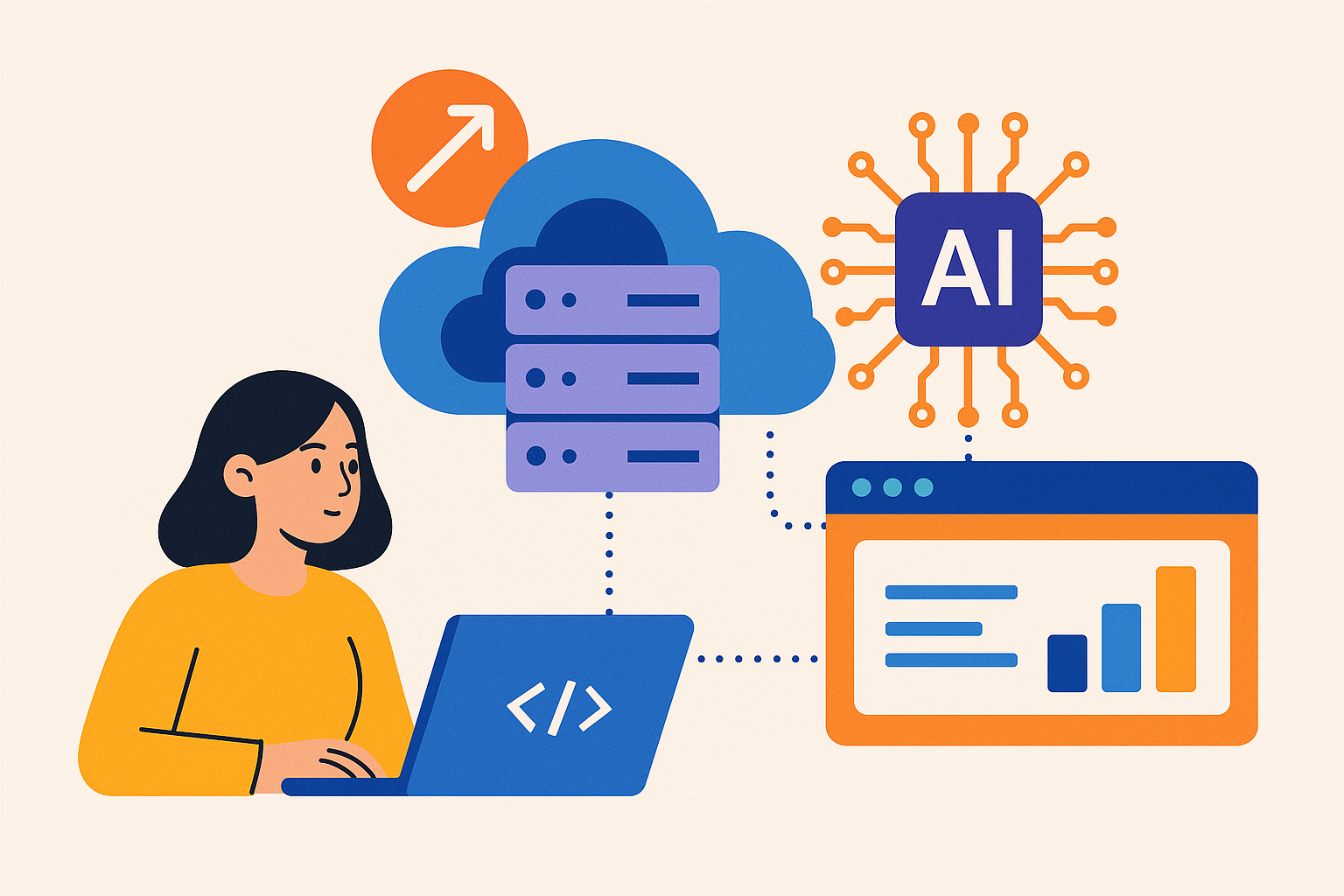
Serverless architecture is a way to build applications without worrying about the underlying servers. You write your code, and a cloud provider runs it for you. You don’t have to manage servers, which saves time and effort.
Why Use Serverless for AI Web Apps?
AI web applications often need to handle a lot of data and users. Serverless is great for this because:
- Scalability: Your app can grow easily. When more users come in, the cloud provider handles the extra load.
- Cost-Effective: You only pay for what you use. No more paying for idle servers!
- Simplicity: You can focus on your code, not server management. This makes development faster.
How to Get Started with Serverless AI Apps
Let’s break it down into steps:
Step 1: Choose a Cloud Provider
Popular options include:
- AWS Lambda: Great for running code in response to events.
- Google Cloud Functions: Integrates well with other Google services.
- Azure Functions: Good for Windows-based environments.
Step 2: Set Up Your Environment
Each provider has its own tools, but they usually offer a simple setup. For instance, with AWS Lambda, you can use the AWS Management Console or the AWS CLI to create your first function.
Step 3: Write Your Code
Let’s say you want to build a web app that uses AI to analyze images. You can write a function that triggers when an image is uploaded. Here’s a simple example in Python:
import json

def lambda_handler(event, context):
    image_url = event['image_url']
    # Here you would call your AI model to analyze the image
    analysis_result = analyze_image(image_url)
    return {
        'statusCode': 200,
        'body': json.dumps(analysis_result)
    }
Connecting Your AI Model
Your AI model can be hosted separately, maybe in a container or as a microservice. The serverless function can call this model when needed. For example, if you train a model with TensorFlow, you can deploy it using TensorFlow Serving. Then, your serverless function can make an HTTP request to it.
Handling Data
AI apps often deal with large amounts of data. You can use services like:
- AWS S3: For storing images and other files.
- AWS DynamoDB: For storing metadata or results.
When an image is uploaded to S3, it can trigger your Lambda function. This way, your app remains responsive and efficient.
Monitoring and Debugging
It's important to know how your app performs. Most cloud providers offer monitoring tools. For instance, AWS CloudWatch lets you see logs and metrics for your Lambda functions. This helps you spot errors and optimize your code.
Example Use Case: Image Recognition App
Let’s say you want to create an image recognition app called PicFinder. Here’s how you can do it:
- Use AWS S3 to store uploaded images.
- Create a Lambda function that triggers when a new image is uploaded.
- This function calls your AI model to recognize objects in the image.
- Store the results in DynamoDB.
- Build a simple front-end to display results to users.
Conclusion
Serverless architecture makes building scalable AI web applications easier and more cost-effective. You can focus on your code and let the cloud handle the rest. Whether you’re a beginner or a seasoned developer, serverless can boost your productivity and help you create amazing applications.
Next Steps
Try building a small serverless AI app yourself. Experiment with different cloud providers. Each has its strengths and can help you learn more about serverless technology.





Comments (0)
No comments yet. Be the first to leave a comment!
Verify Your Comment
We sent a 6-digit OTP code to . Please enter the code below to publish your comment.